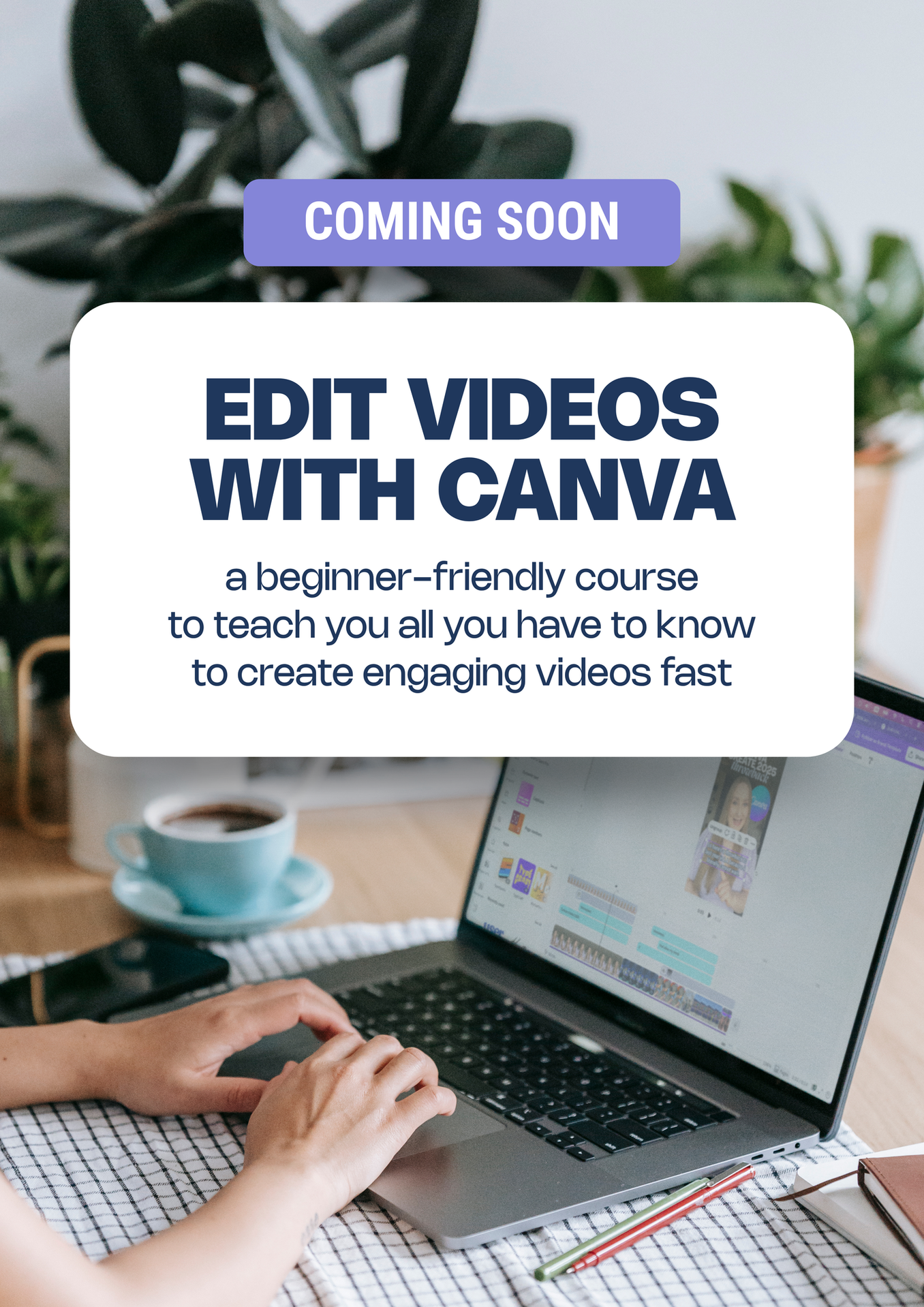
LAUNCHING SOON!
Ready to edit videos in Canva with confidence?
If you feel like:
- you want to create Reels, TikToks or YouTube Shorts but editing feels overwhelming
- you record videos and then get stuck trying to make them look good
- you want to add captions, text, graphics, overlays and animations without overcomplicating it
- you need a simple video editing workflow for your content or business
- you want your videos to look more polished, but you don’t want to learn complicated editing software
then this course is for you.
My Canva Video Editing Course for Beginners will walk you through the full process of creating and editing videos in Canva, from starting a new project and understanding the timeline, to trimming clips, adding text, graphics, captions, voiceovers, sound effects, animations, transitions and exporting your final video properly. You’ll learn how to create videos using Canva templates, how to edit from scratch, how to record better footage, and how to make your videos feel more engaging without spending hours trying to figure everything out alone.
Join the waitlist for the early bird pricing! You'll also receive weekly emails with exclusive tips, updates & special offers!